TeXt recommend RealFaviconGenerator for generating favicon.
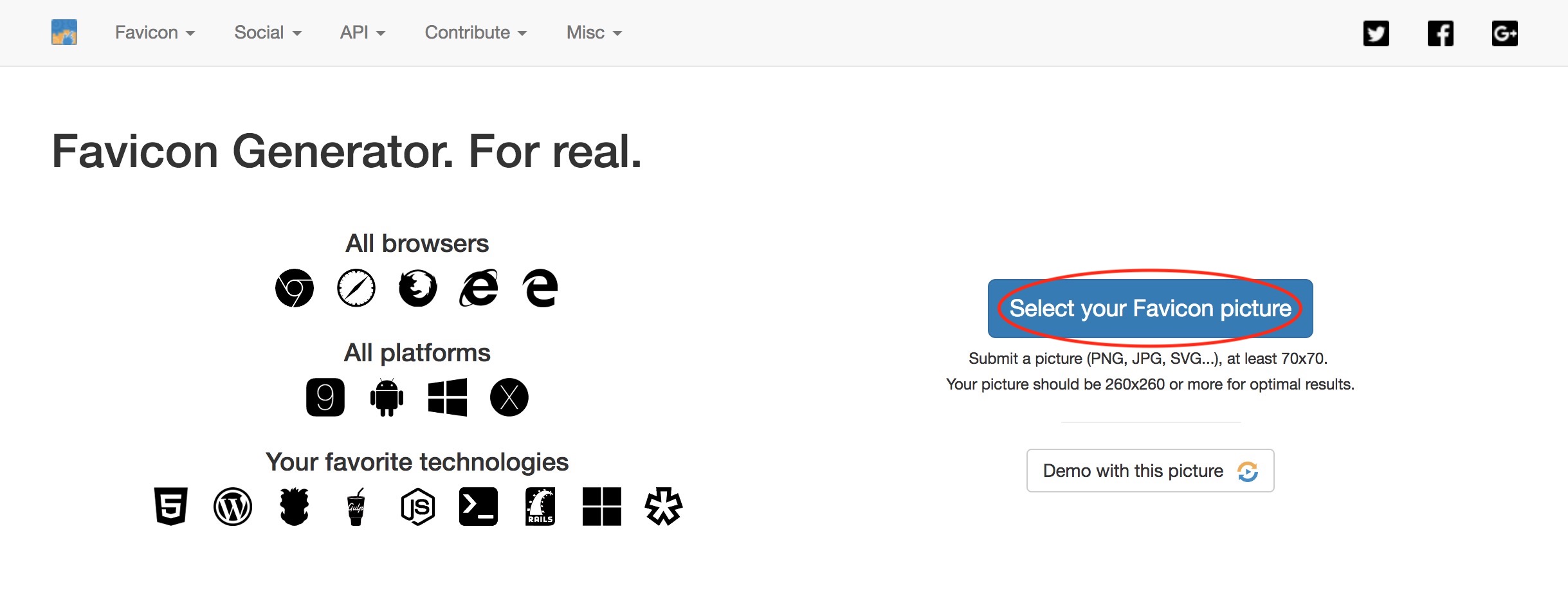
Open RealFaviconGenerator and click “Select your Favicon picture”.
After settings you need tell the generator where you would place favicon files. TeXt default put them to /assets.
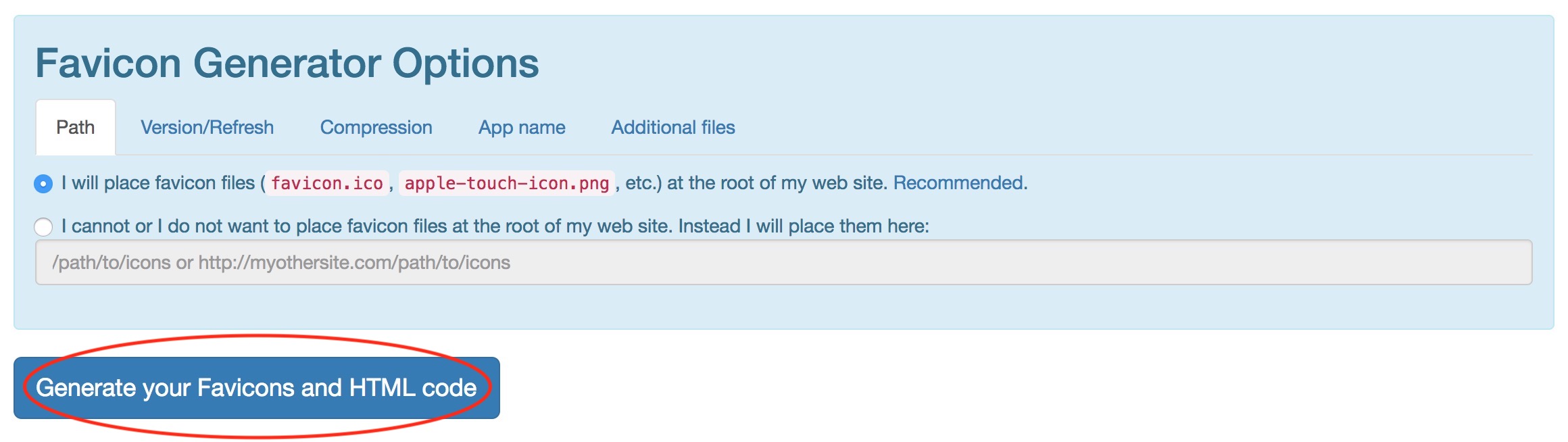
If all are done, just click “Generate your Favicons and HTML code” to the last step.
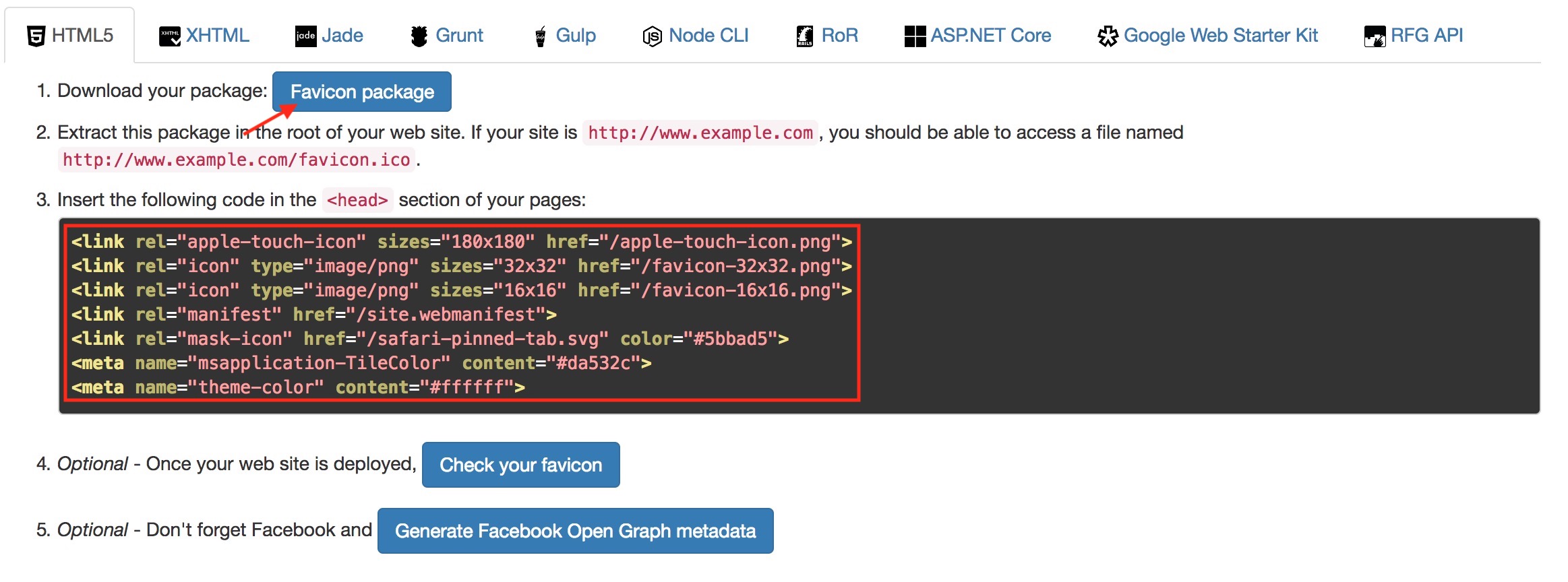
Download favicon package and unzip it to the path you just set, and replace the HTML code in _includes/head.html between <!-- begin favicon --> and <!-- end favicon -->.